
Create Your Own
Create Your Own Mystery Color by Number Book
A collection of mystery coloring pages can become a cohesive printable book when the artwork, difficulty, and palette presentation follow a consistent plan..
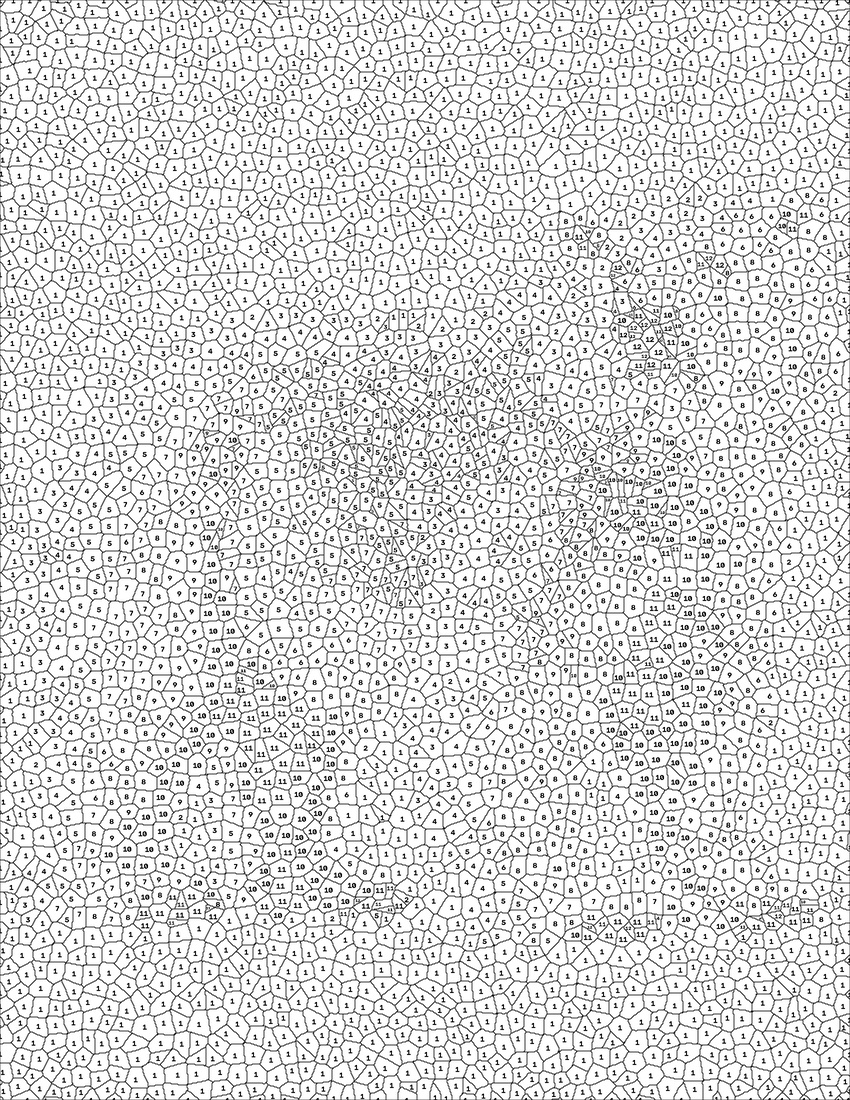
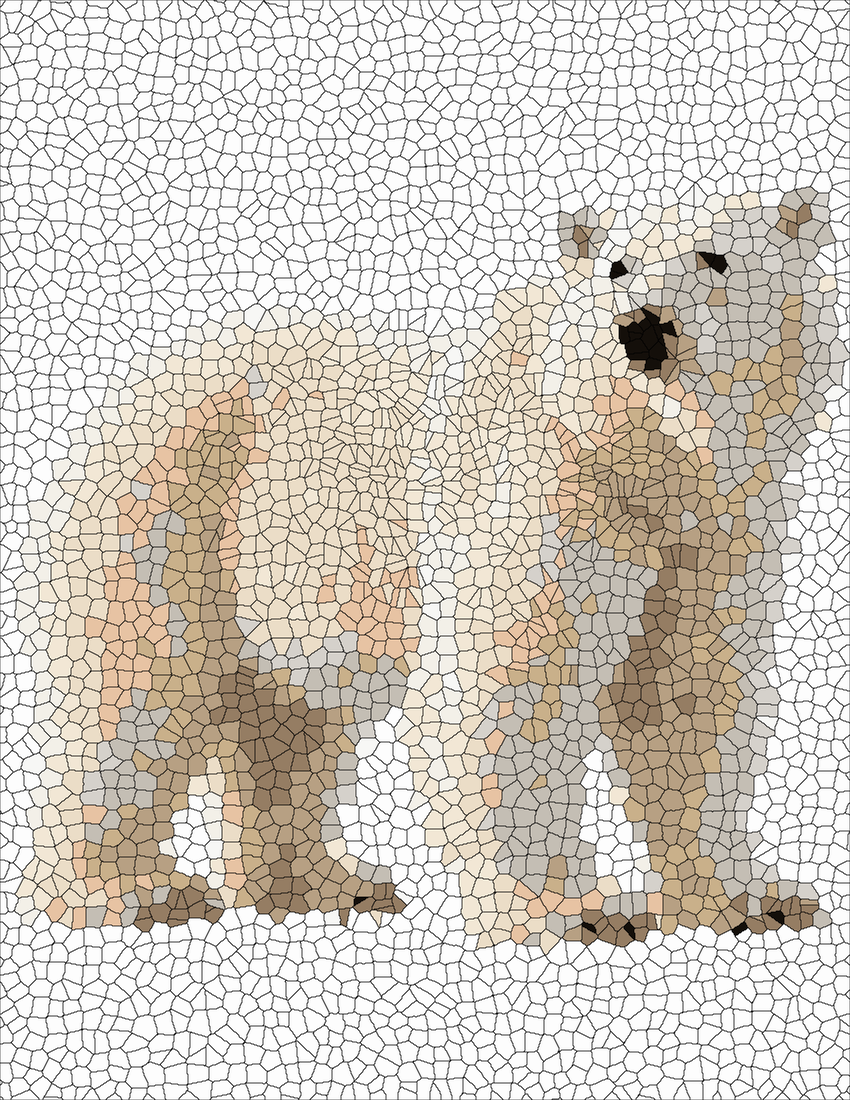
Explore the actual coloring project →
A collection of mystery coloring pages can become a cohesive printable book when the artwork, difficulty, and palette presentation follow a consistent plan.
Plan a clear theme
Choose a subject family such as flowers, wildlife, or famous inventors. A focused theme makes the collection easier to browse and helps readers know what kinds of surprises to expect.
Keep formatting consistent
Use the same page size, margin style, number legibility, and palette placement throughout the book. Test-print several easy and detailed pages before assembling the complete collection.
Organize the reveals
Consider putting colored answers at the back so readers can check their results without spoiling the next puzzle. If you plan to sell the book, verify artwork rights, printing requirements, and any platform rules before publication.
Plan the reader experience
Arrange the book from easy to detailed rather than grouping pages only by subject. Put a brief instruction page near the beginning and keep the answer key at the back. Make sure every mystery page has a matching palette and answer, and verify that the numbers remain readable in the final print proof. A consistent experience is more valuable than simply filling the book with as many designs as possible.
Quick checklist
- Choose a clear image and a readable number palette.
- Keep neighboring colors distinct so the reveal stays recognizable.
- Preview the completed answer only after the puzzle is finished.
Frequently asked question
How many pages should a mystery book contain?
There is no universal number; start with a small, carefully tested collection and expand once the format works.
Try a mystery coloring project
Open the free online colorer to work with a compatible page, browse free printables, or visit the Mystery Color Maker to create your own print-ready project.

